Introduction
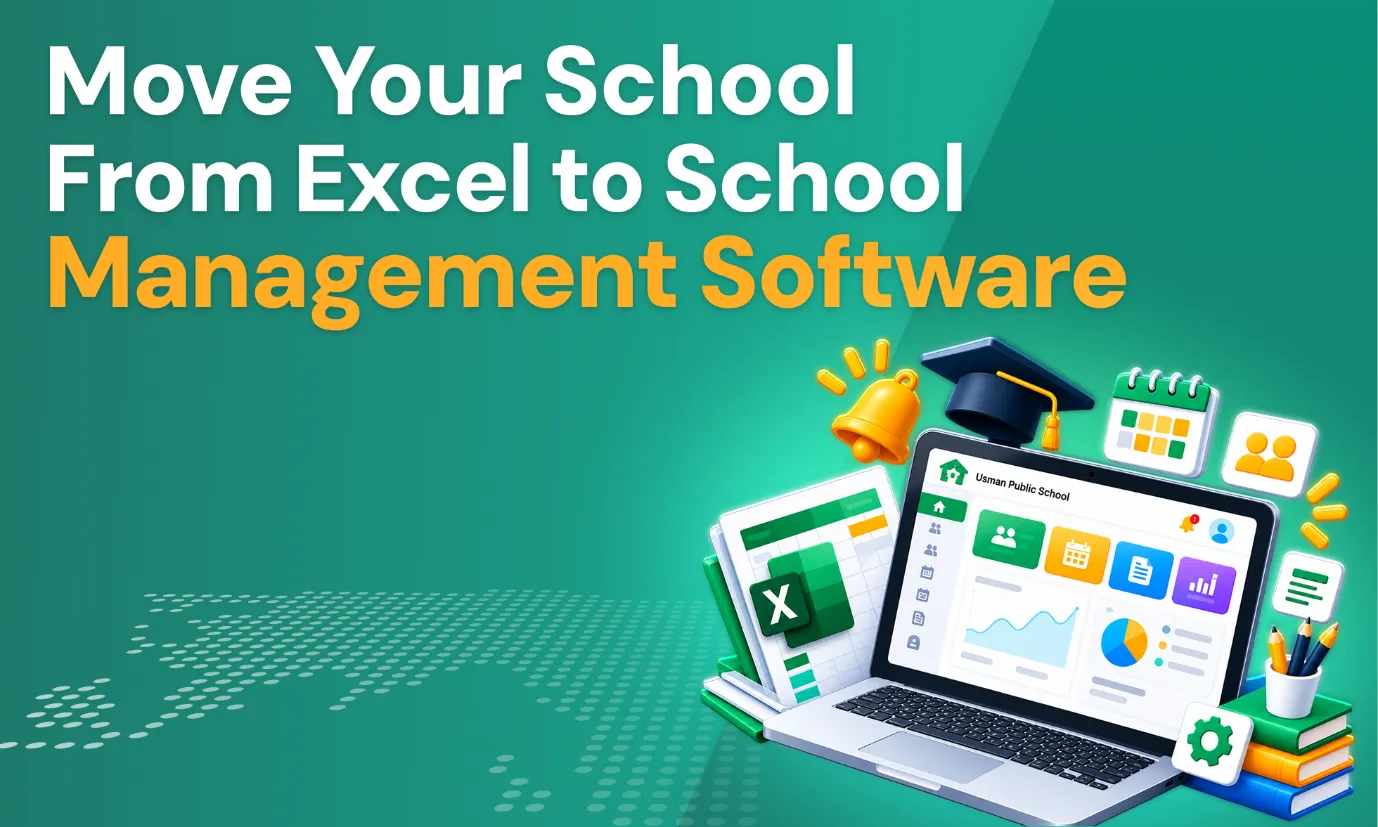
Many schools start with Excel because it is familiar, flexible, and easy to begin with. As student numbers, staff, and classes grow, spreadsheets become hard to manage, and moving from Excel to school management software starts to make sense.
Common warning signs include multiple spreadsheets, duplicate data, manual updates, formula errors, difficult reporting, limited collaboration, and scattered files. A centralized system brings school operations into one place.
Moving systems is not just about importing data. It requires a structured process, from auditing your files to training staff and the final transition, and this blog walks you through each step.
Why Schools Outgrow Excel
Excel is still quite useful for simpler tasks, but schools often outgrow it due to the following reasons:
- Student records end up scattered across multiple files.
- Manual data entry consumes most of the staff time.
- Duplicate records appear over time, leading to confusion.
- Formula and calculation errors slip into the school’s finances.
- Changes are difficult to trackwhen data is unorganized.
- Access control is limited,and collaboration is difficult when many people edit files.
- Reports have to be prepared manually by the staff.
- Fee tracking becomes time-consumingand tedious.
- Teacher and parent records are separateand not integrated.
- All the different school processes are hard to connect.
When several departments need one system, spreadsheets become inefficient.
Signs Your School Is Ready to Move Beyond Excel
Even if a few of these sound familiar for your school, it may be time to switch:
- Staff keep multiple versions of the same spreadsheet.
- Administrators spend significant time updating records manually.
- Teachers and administrators need the same information at the same time.
- Reports require combining data from several spreadsheets.
- Parents often call for information already stored in Excel.
- Fee tracking gets harder.
- Student records are difficult to search and update.
- Staff spend too much time on repetitive tasks.
- The school is growing, and the spreadsheets are struggling to keep up.
Parents also expect easy access to information. A parent app for schools lets families check updates themselves, which separate spreadsheets cannot offer.
Ready to Move Beyond Excel?
Explore Muntazim’s pricing plans and find a school management solution that fits your school’s needs.
What Should You Move from Excel to School Management Software?
Not every spreadsheet needs to be imported. Start by deciding what needs to be migrated, then divide the data into current, accurate, relevant, and necessary. Moving only what you need keeps the new system clean, and it gives parents and teachers accurate information from day one through a school app for parents.
Here is a list of school data that you should shift from Excel to school management software:
- Student and parent information
- Teacher records
- Class and section information
- Attendance records
- Grades and academic records
- Assignments
- Fee and payment records
- Course and subject information
- The school calendars
- Communication records
- Reports and historical data
Step-by-Step: How to Move from Excel to School Management Software
Moving from spreadsheets works best one stage at a time. These steps take you from reviewing your current files to going live on the new system. Follow them in order, because each step prepares the next. Follow these eight steps in order.
1. Audit Your Existing Excel Files
List every spreadsheet your school uses and who maintains each one. Note what each file contains, find duplicate and outdated files, and decide which are still necessary.
2. Clean and Organize Your Data
Remove duplicate and outdated records, correct inconsistent names, and standardize phone numbers, email addresses, class names, and subject names. Check for missing information and review fee, attendance, and academic data. Clean data makes migration smoother and reduces problems later.
3. Create a Data Migration Plan
Decide what will be transferred, assign tasks to staff, and set a timeline. Mark which data needs verification, and make a backup of your Excel files before changing anything.
4. Map Excel Data to the New System
Work out where each spreadsheet field belongs in the new system. For example:
| Excel Data | School Management System |
|---|---|
| Student Name | Student Profile |
| Parent Name | Parent Profile |
| Class | Class/Section |
| Attendance | Attendance Records |
| Subject | Subject Management |
| Fee Amount | Fee Management |
| Payment Status | Payment Records |
| Teacher Name | Teacher Profile |
5. Import and Verify the Data
Import the prepared data, then check student records, parent information, fee records, attendance, and academic data. Compare the migrated records with the original Excel files and correct errors before fully adopting the new system.
6. Train Teachers and Administrators
Give each role the training it needs: system management for administrators, classroom features for teachers, and fee handling for finance teams. Add guidance on communication and reporting, and let staff practice before the switch.
7. Run Excel and the New System in Parallel Temporarily
A short parallel period helps you compare information between both systems and catch missing or incorrect data. Do not keep both running forever, because that recreates the same duplication problem.
8. Fully Transition to the New System
Set a clear cutover date and tell staff. Stop updating old spreadsheets, direct everyone to the new system, and keep backups of historical Excel records.
Take the Next Step Toward Simpler School Management
Discover how Muntazim move beyond manual processes and manage everything from one place.
How to Manage Staff Resistance During the Transition
Success depends on staff adoption, not just on choosing the right software. When daily work gets easier, and a parent app for schools means fewer calls to answer, resistance usually fades.
Staff may hesitate to leave familiar spreadsheets. To help:
- Involve staff early in the process
- Explain the benefits in practical terms
- Provide hands-on training
- Start with the most important workflows
- Offer support during implementation
- Collect staff feedback along the way
- Address common problems quickly
- Set clear expectations
Common Mistakes When Moving From Excel to School Management Software
Even a well-planned move can go wrong. Most errors come from rushing, skipping checks, or unclear responsibilities. Watch out for these:
- Migrating all data without cleaning old records
- Importing outdated records
- Failing to back updata from previous Excel files
- Not assigning migration responsibilities to staff
- Skippingthe data verification process
- Not training staff on how to migrate information
- Trying to change each process at once
- Running multiple systems indefinitely
- Not defining a clear transition date
Failing to communicate the change to staff and parents
How Long Does It Take to Move from Excel to School Management Software?
A small school with clean data may move faster than a larger one with many spreadsheets. Build your timeline with your software provider, based on your own plan.
There is no single answer, because time depends on several factors:
- School size, since larger schools usually have more to move and check.
- Number of students, because more records take longer to clean and verify.
- Number of departments, as each one may use its own spreadsheets.
- Amount of historical data, since older records need review before import.
- Data quality, because clean files move far faster than messy ones.
- Number of staff users, who all need training and support.
- Complexity of existing processes, since unusual workflows take more time to set up.
What to Look for in School Management Software
Use this checklist when comparing options, including a school app for parents.
| Feature | Why It Matters |
|---|---|
| Student Information System | Centralizes student records |
| Teacher Management | Organizes teacher information and assignments |
| Attendance | Simplifies attendance tracking |
| Fee Management | Tracks tuition, payments, and balances |
| Parent Portal | Gives parents access to relevant information |
| Communication | Centralizes school-parent communication |
| Assignment Management | Helps organize academic work |
| Gradebook | Manages grades and academic records |
| Reporting | Reduces manual report preparation |
| Data Import | Makes Excel migration easier |
| User Permissions | Controls access to information |
| Security | Protects school data |
| Mobile Access | Allows access from different devices |
How Muntazim Can Help Schools Move Beyond Excel
Muntazim is a cloud-based school management system that brings information from separate spreadsheets into one place. Its features include student management, admissions, attendance, fee management, assignments, grading and report cards, communication, user management, and data import. Teachers get a Teacher Portal and lesson planner, and parents get a school app for parents with a personalized dashboard.
For administrators, the benefits are practical: less duplicate data, easier access to information, and more centralized reporting. Because attendance, fees, grades, and communication are connected, one change needs no extra file updates. Families also see attendance, grades, assignments, and fee information in real time through a parent app for schools.
Frequently Asked Questions (FAQs)
Because records, fees, attendance, and communication stay connected, reducing duplicate data and errors.
Often yes. Many systems accept spreadsheet data, and clean files make import easier.
Current, accurate, and necessary data, such as student, parent, teacher, class, attendance, grade, and fee records.
By removing duplicates, fixing names, standardizing contact details, filling gaps, and deleting outdated records.
It depends on school size, data quality, staff numbers, and how complex your current processes are.
Back up all Excel files first, verify imported records against the originals, and keep old files safe.
To train school staff post-migration, use role-specific training, hands-on practice, and ongoing support.
Yes. Small schools can save time by moving to school management software where records live in one platform.
Conclusion
Moving away from spreadsheets is a process, not a single technical change. The path is simple to remember: First audit, then clean existing data, plan migration, map out your approach, import your school’s data, verify it, and train your staff on how to use it. Following these steps will provide a smooth transition.
Clean your data, prepare your staff, verify migrated records, and set a clear transition plan. The goal is not just to replace Excel, but to build a more centralized and manageable system for school operations. Start with the Excel-based processes that take the most time and cause the most errors.
Related Resources:
Why Schools Are Moving to Cloud Based Learning Management Systems
How an Online Gradebook Simplifies Grading and Reporting for Teachers
Aamnah Farhan
Aamnah is a Content Marketing Professional specializing in school management software, student information systems, and Islamic school challenges & solutions. She develops research-driven content that helps schools and educational institutions streamline operations, adopt digital solutions and stay informed about the latest trends in education and school management.