Introduction
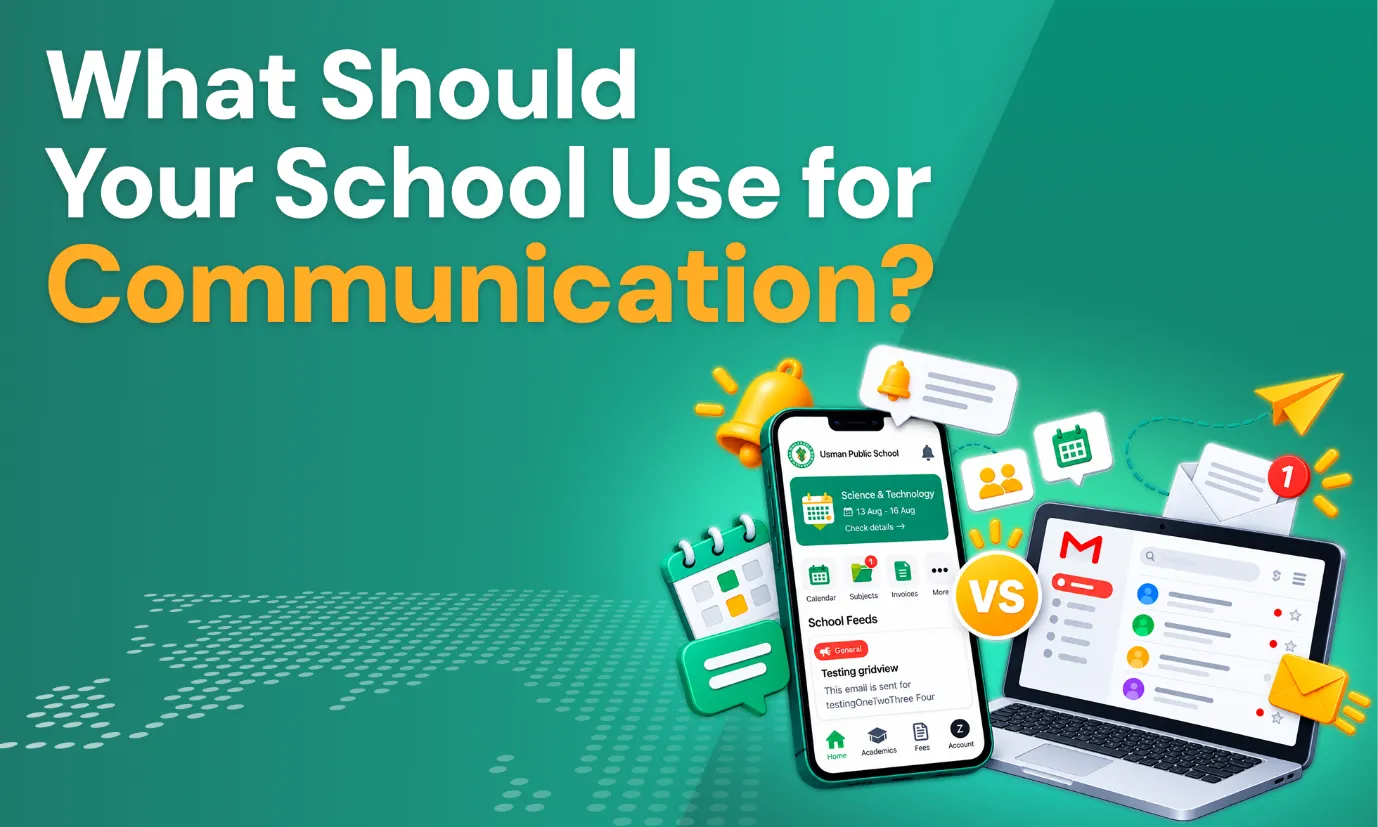
Effective communication between schools and parents is critical in order to ensure student success as well as proper functioning of the institution. Parents who are well informed about changes in schedule, attendance, tasks, and other events will be able to support their children better, and schools have to spend less time answering the same questions. Traditionally, emails performed this function, but now mobile tools are more widely used, and therefore raise a fair question: should your school use email, a School Parent App, or both?
The right answer depends on the type, urgency, and frequency of each message. This article compares both channels side by side, shows when each works best, and explains how to combine them.
What Is a School Parent App?
A Parent App is a digital tool that helps parents connect with their child’s school. Instead of waiting for emails or paper notes, parents can open an app on their phone and see what is happening at school. Here is how it works and why many schools are moving beyond email alone.
How Does a School Parent App Work?
Parents access a mobile or web application and log in to receive information regarding their child. Information may be sent directly to their phones by the school, eliminating any need for manual checking of emails. Some of the common features include:
- Announcements and notifications
- Student information and attendance
- Grades and assignments
- School calendar and events
- Fee information
- Teacher communication
A school app for parents puts all of these in one place, instead of spreading them across emails, paper notes, and phone calls.
Why Are Schools Moving Beyond Email?
Email still works, but it has limits when it is the only communication channel being used:
- Messages get buried under other emails.
- Responses can be delayed because parents may not check often.
- It is hard to organize student-specific information.
- There is no central place to find everything.
- Parents get limited visibility into school activities.
School Parent App vs Email: What's the Difference?
Both channels can reach parents, but they work in very different ways. Apps focus on speed, organization, and quick access, while email focuses on detail, formality, and record-keeping. This table compares how each one handles the most common school communication tasks.
| Communication Factor | School Parent App | |
|---|---|---|
| Instant Notifications | Push notifications reach parents faster | Depends on when parents check their inbox |
| School Announcements | Delivered to all parents collectively | Sent as separate messages |
| Student-Specific Information | Shown in each child's own profile | Must be searched for in old messages |
| Attendance Updates | Visible in the app, often with alerts | Possible but requires separate messages |
| Grades & Assignments | Viewable anytime in one place | Possible but requires separate messages |
| Event Reminders | Calendar and Notifications | Reminder emails that can be missed |
| Fee Information | Balances and payment details in one view | Sent as separate invoice or notice emails |
| Two-Way Communication | Direct messaging with teachers | Possible, but threads are harder to organize |
| Message Organization | Grouped by type and student | Mixed into a general inbox |
| Mobile Accessibility | Built for phones | Available, but not designed for school tasks |
| Formal Communication | Better for short routine updates | Strong for official, documented notices |
| Long-Form Information | Less suited to long documents | Strong for detailed messages and attachments |
When Should Schools Use a Parent App?
An app works best when parents need to see something quickly or check it often:
- Urgent school announcements that cannot wait
- Attendance notifications so parents know right away
- Event reminders ahead of the date
- Schedule changes that affect the school day
- Student updates about their child
- Assignment notifications
- Fee reminders before a due date
- School-wide notifications for all families
- Important deadlines
- Quick teacher-parent communication
App notifications appear on a phone’s screen, so they are easier to notice at the moment parents need the information. This is why a school app for parents is useful for time-sensitive news.
Improve Parent-School Communication with One App
When Is Email Still Better for Schools?
Email remains the better choice when a message needs more context or an official record:
- Formal school notices
- Detailed announcements that need explanation
- Policy documents
- Long-form communication
- Documents and attachments
- Messages parents may need to reference later
- Official administrative correspondence
When the message needs space, structure, or documentation, email is still hard to beat.
5 Advantages of Using a School Parent App for Daily Communication
Email is useful, but an app adds speed and convenience to everyday communication. Here are five advantages schools often notice.
Faster Access to Important Updates
Push notifications bring updates directly to parents’ phones. For schedule changes, reminders, and urgent announcements, that speed can make a real difference.
Keeps School Information in One Place
Parents do not have to hunt through different channels. Announcements, attendance, grades, assignments, events, and fees can all be found on one platform.
Makes Student Information Easier to Access
Parents can quickly check details about their child, so they do not need to search through old emails to find them.
Supports Better Parent-Teacher Communication
Built-in messaging makes it easier for teachers and parents to exchange relevant updates. Keeping these conversations organized and on topic helps both sides.
Improves Parent Engagement with School Activities
When notifications about events, announcements, and assignments arrive in one place, it is easier for parents to stay involved in school life.
Can Schools Use a Parent App and Email Together?
Schools do not need to pick only one channel. A hybrid approach lets each channel do what it does best, and a parent app for schools works well alongside regular email.
Use the Parent App For
Daily updates, notifications, student information, attendance, assignments, events, fee reminders, and quick communication.
Use Email For
Formal notices, detailed messages, policies, documents, official announcements, and long-form communication.
Keep Communication Consistent Across Channels
Avoid sending conflicting information in different places. Set clear communication guidelines, and tell parents which channel to expect for each type of message.
What Should Schools Look for in a Parent Communication App?
Use this checklist when comparing options. A good parent app for schools should cover most of these points.
| Feature | Why It Matters |
|---|---|
| Push Notifications | Delivers important updates quickly |
| Announcements | Keeps parents informed |
| Student Information | Provides relevant student updates |
| Attendance | Helps parents monitor attendance |
| Grades | Improves academic visibility |
| Assignments | Keeps parents aware of schoolwork |
| Calendar | Shows important dates and events |
| Fee Information | Provides access to payment details |
| Messaging | Supports parent-teacher communication |
| Mobile Access | Makes information available on the go |
| Security | Protects student and family information |
| Easy Navigation | Makes adoption easier for parents |
Common Parent Communication Mistakes Schools Should Avoid
Even the best tools can fall short if they are used without a plan. Parents may miss important information, feel overwhelmed, and stop checking messages. This section lists the common mistakes that schools make and should watch out for:
- Using emailsfor all kinds of communication, which buries urgent news.
- Overloading parents with frequent notifications
- Distributing information across multiple disconnected channels
- Failing to define which channel parents should use for each type of message
- Sending inconsistent messages, which eventually weakenstrust
- Neglecting the need to update student information.
- Limiting communication to one-way, leaving parents without means to
- Overlooking parents’ preferred communication methods, which reduces
- Not providing teachers and staff with adequate training.
- Adopting a platform that is difficult for parents to navigate.
How Muntazim Supports Parent-School Communication
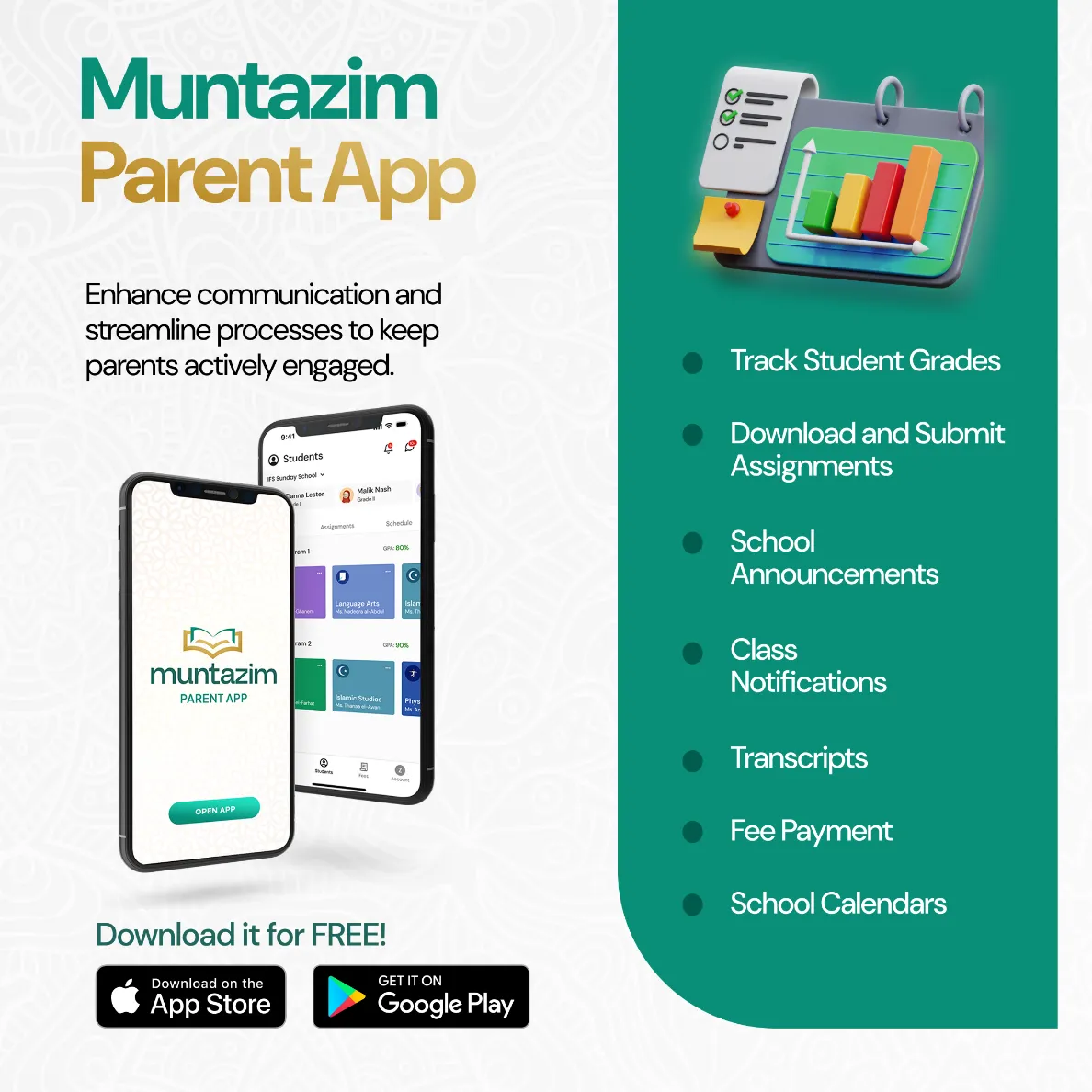
Muntazim helps support parent communication through its dedicated free Parent App, available on both iOS and Android devices. Parents can access live information, which includes attendance, grades, and assignments, receive notifications regarding announcements, class schedules, and events, view fees and make payments, and communicate directly with teachers through an easy-to-use, personalized dashboard.
Since this app for parents is part of the larger Muntazim ecosystem, the information that parents receive is based on the same data that teachers and administrators use. This ensures effective communication between parents and teachers, eliminating the need for staff to duplicate information amongst separate systems. Teachers and administrators can keep parents informed from one place, while emails can be used for formal notices.
Frequently Asked Questions (FAQs)
It is a mobile or web-based application that gives parents access to school information such as announcements, attendance, grades, assignments, events, and fees.
Each is better at different tasks. Apps are faster for daily updates and notifications, while email is better for formal and detailed messages.
Yes. Many schools use a parent app for everyday updates, while emails are used for official notices and documents.
Announcements, notifications, attendance, grades, assignments, events, fee details, and teacher messages.
Yes, many apps include a messaging feature, through which parents and teachers can exchange updates directly.
Not necessarily. Email is still useful for formal notices, policies, and messages that parents may need to keep.
Push notifications, announcements, student information, attendance, grades, assignments, a calendar, fee information, messaging, security, and easy navigation.
Conclusion
Choosing between a parent app and email depends on the nature of communication. The parent app can be particularly effective when it comes to quick, consolidated, daily updates and information regarding students, while emails remain valuable when it comes to formal communication that is detailed and document-heavy.
Instead of viewing the two in comparison to one another, it is best that most schools go for an integrated method. Adopt tools that allow you to make it easy for parents to access information while organizing communication for teachers and other school staff, and make sure the parent app for schools you pick fits your plan.
Ready to build a smarter communication plan?
Explore Muntazim for features your school might need to simplify parent communication.
Related Resources:
How to overcome the communication gap with a parent portal?
5 ways of simplifying parent communication
How Muntazim Improves Communication Between Schools and Parents
Aamnah Farhan
Aamnah is a Content Marketing Professional specializing in school management software, student information systems, and Islamic school challenges & solutions. She develops research-driven content that helps schools and educational institutions streamline operations, adopt digital solutions, and stay informed about the latest trends in education and school management.